The 71% Problem: The Devices Your High-Turnover Roles Never Send Back
71% of companies have at least one ex-employee who never returned a laptop. In high-turnover roles that's not a future risk. It's a liability you already carry.
The $2,000 Blind Spot: Why "Account Closed" Isn't Real Security
Most IT teams have a version of the same mental checklist for an employee exit. Disable the SSO. Revoke Active Directory access. Remove them from Slack. Deactivate the email. Archive the account. Check, check, check, check, check. Done. Offboarded…Except the laptop is still sitting in a closet in Portland…

The "Shadow Workforce" Trap: Why Standard IT Policies Fail Contractors
Your full-time employee offboarding process probably works reasonably well. There

Why Your Offboarding Spreadsheet Breaks in 2026
In 2026, “invisible turnover” makes device recovery a standing IT process. Here’s why spreadsheets fail and what KPIs replace them.

Mastering Employee Offboarding: Best Practices for a Smooth Transition
Employee offboarding is a crucial yet often underestimated phase in the employee lifecycle. It involves the systematic processes and procedures that come into play when an employee exits an organization, whether by choice or due to other circumstances. Implementing best practices in offboarding i...

AI Is Quietly Reshaping Institutional Memory
The biggest change AI is making to enterprise workflows in 2025 is not speed. It is memory. At LaptopReturn.com , we do not just solve logistics problems. We help IT teams stay operationally resilient. As AI reshapes how teams work and retain knowledge, we are paying close attention to the changes...
When Loyalty Looks Like a Liability: The Quiet Cost of Emotional Labor in IT
In 2025, the technical stack is no longer the limiting factor. If something can be automated, remote-managed, or offloaded to a platform, it often is. But navigating overloaded teams and rigid financial models—especially in mid-sized, heavily distributed organizations—has become its own kind of c...
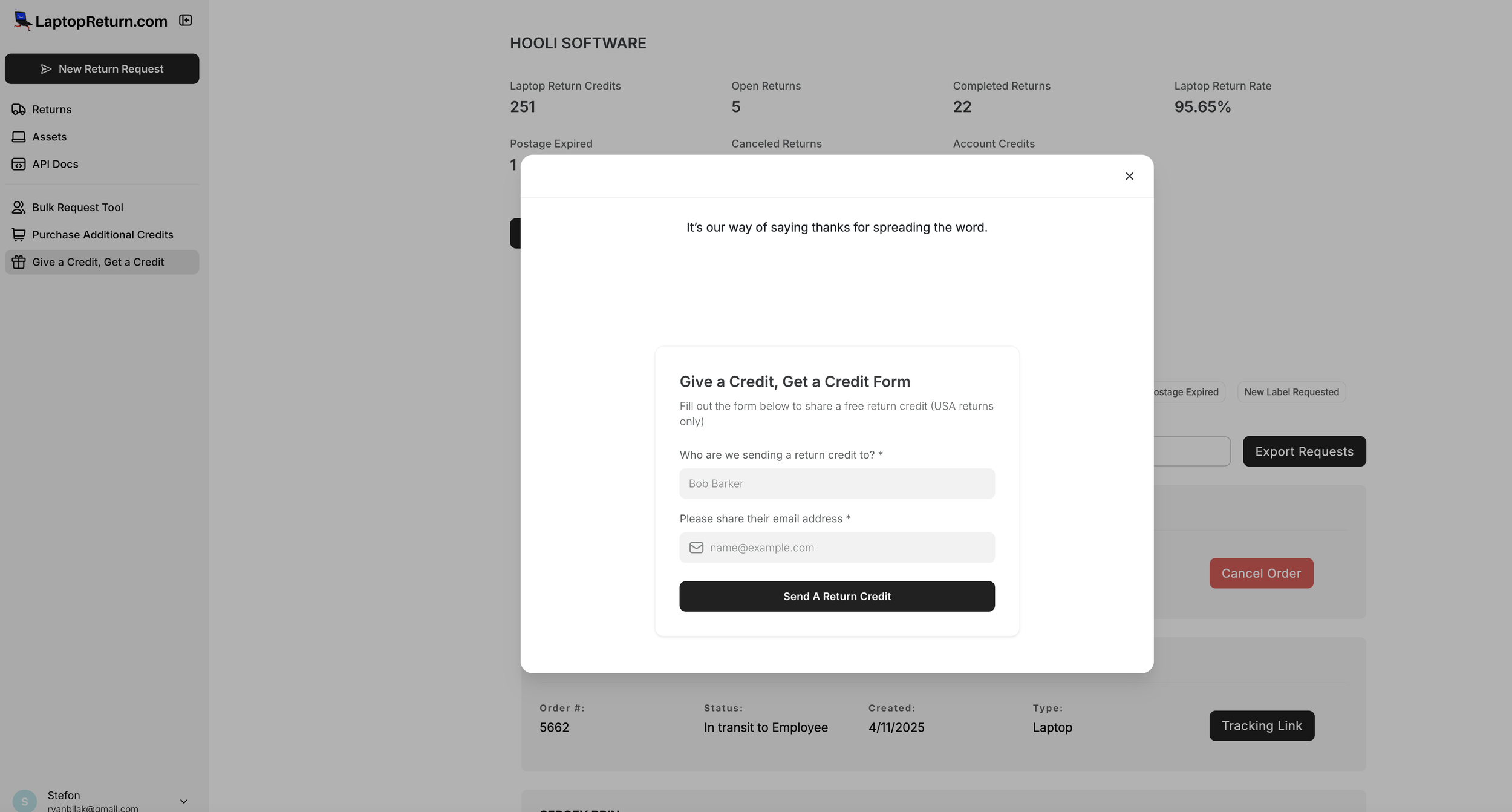
🎁 Give a Credit, Get a Credit
Know someone who’s still packing boxes or chasing down ex-employees? Send them a free laptop return credit — on us.

Recycle your Devices and Earn Laptop Return Credits.
We’ve all seen it before—the growing pile of retired laptops taking up space in the office or the storage closet. Devices that are too old to redeploy, but still too sensitive to toss. At LaptopReturn.com , we’re making that headache go away with a new feature that’s as secure, sustainable, and si...
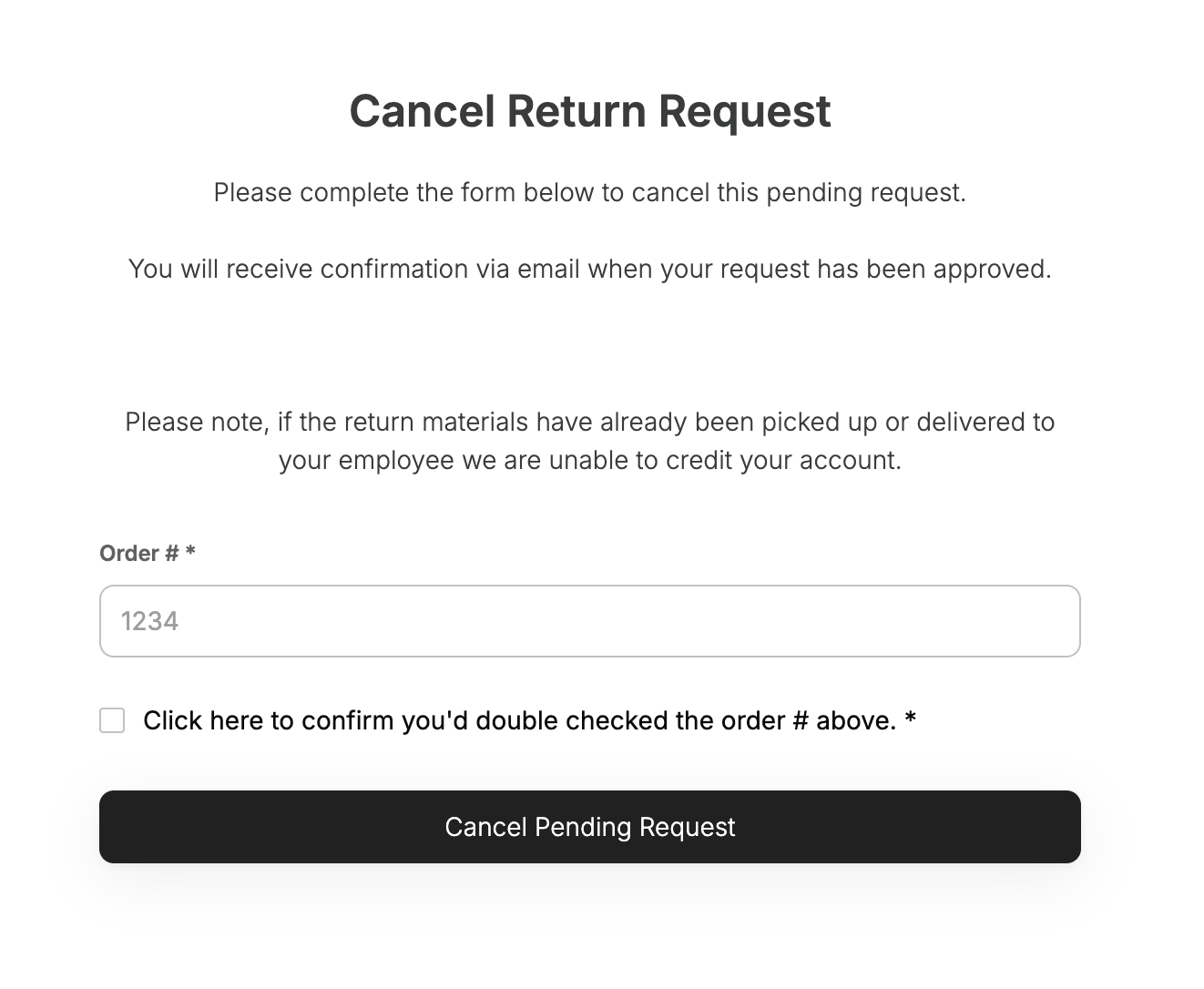
Cancel a Return Request Already in Transit
At LaptopReturn.com , we understand that sometimes return requests need to be canceled—even if they are already in transit or have been delivered. Whether an employee decides to keep their device, an incorrect address was entered, or another unforeseen issue arises, our streamlined cancellation pro
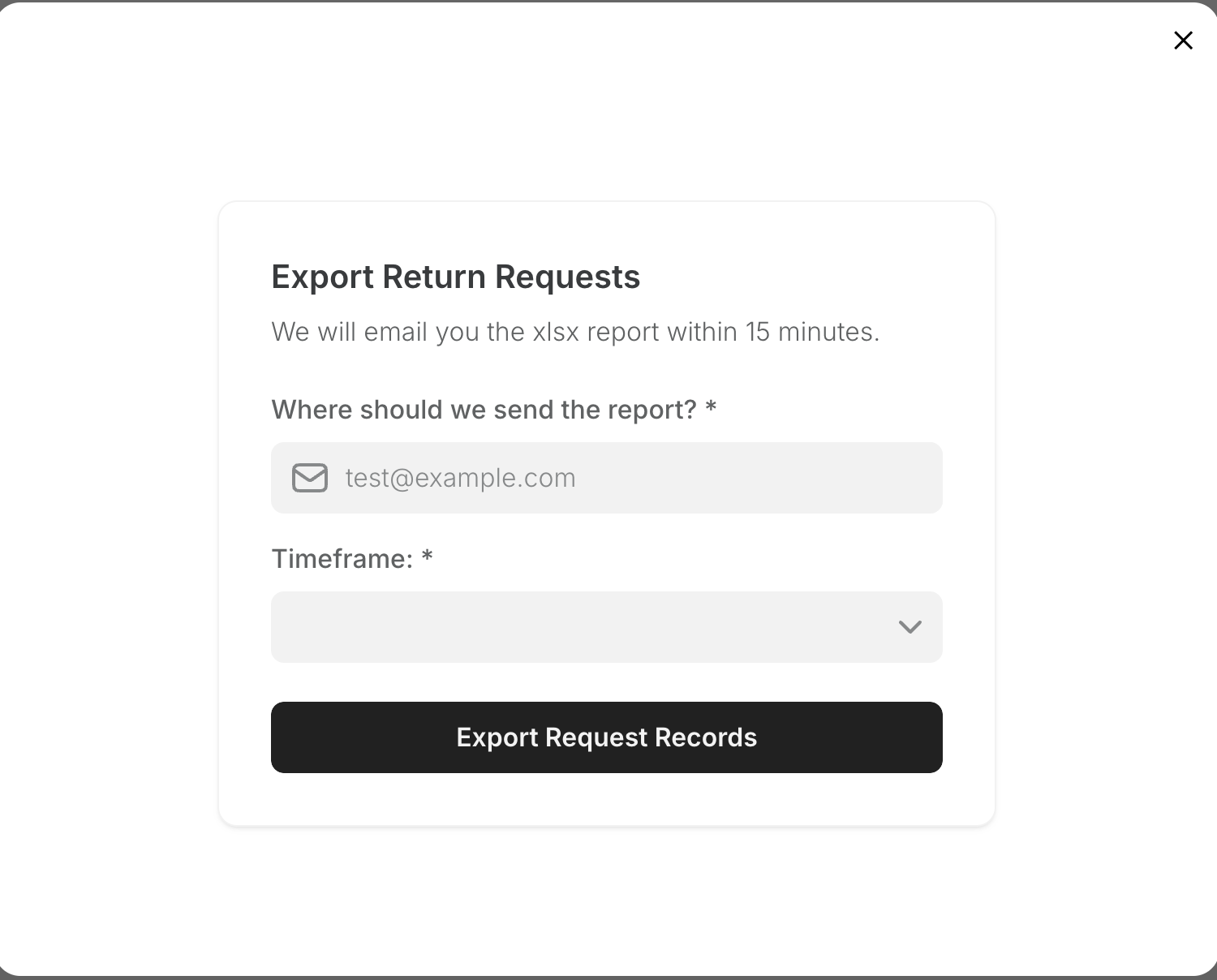
New Feature: Easily Export Return Requests from LaptopReturn+
Managing return requests just got even easier! We’re excited to introduce a new Export Requests feature that allows you to generate and download reports with just a few clicks.
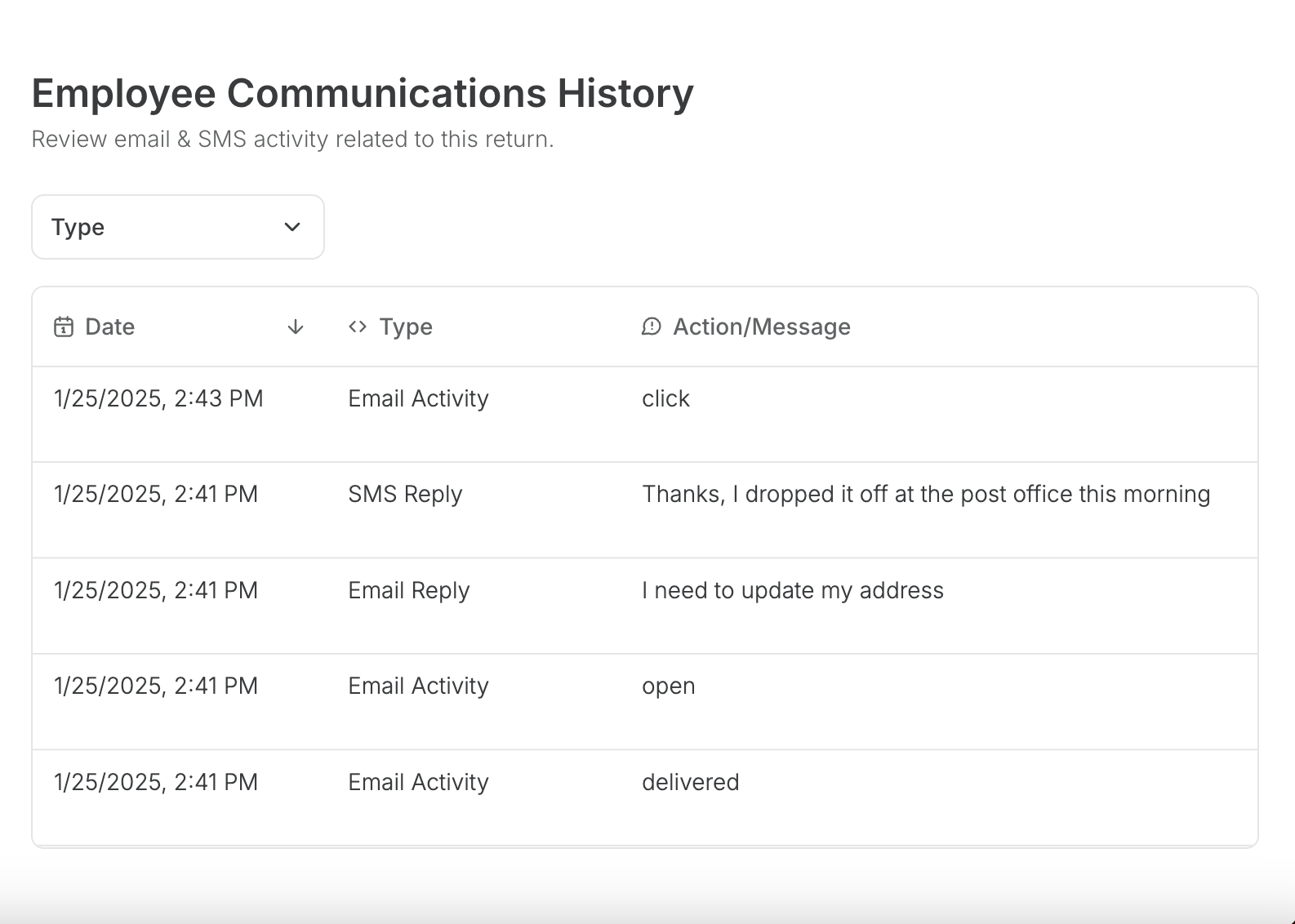
New Feature: Employee Communcation History
Introducing Employee Communication History in the Partner Portal At LaptopReturn.com, we’re always looking for ways to enhance your experience and make managing device returns as seamless as possible.
Managing Remote Employee Laptop Returns: A Comprehensive Guide for IT & HR Leaders
In today's increasingly remote work environment, IT managers face the critical task of efficiently managing the return of company-issued laptops from remote employees.
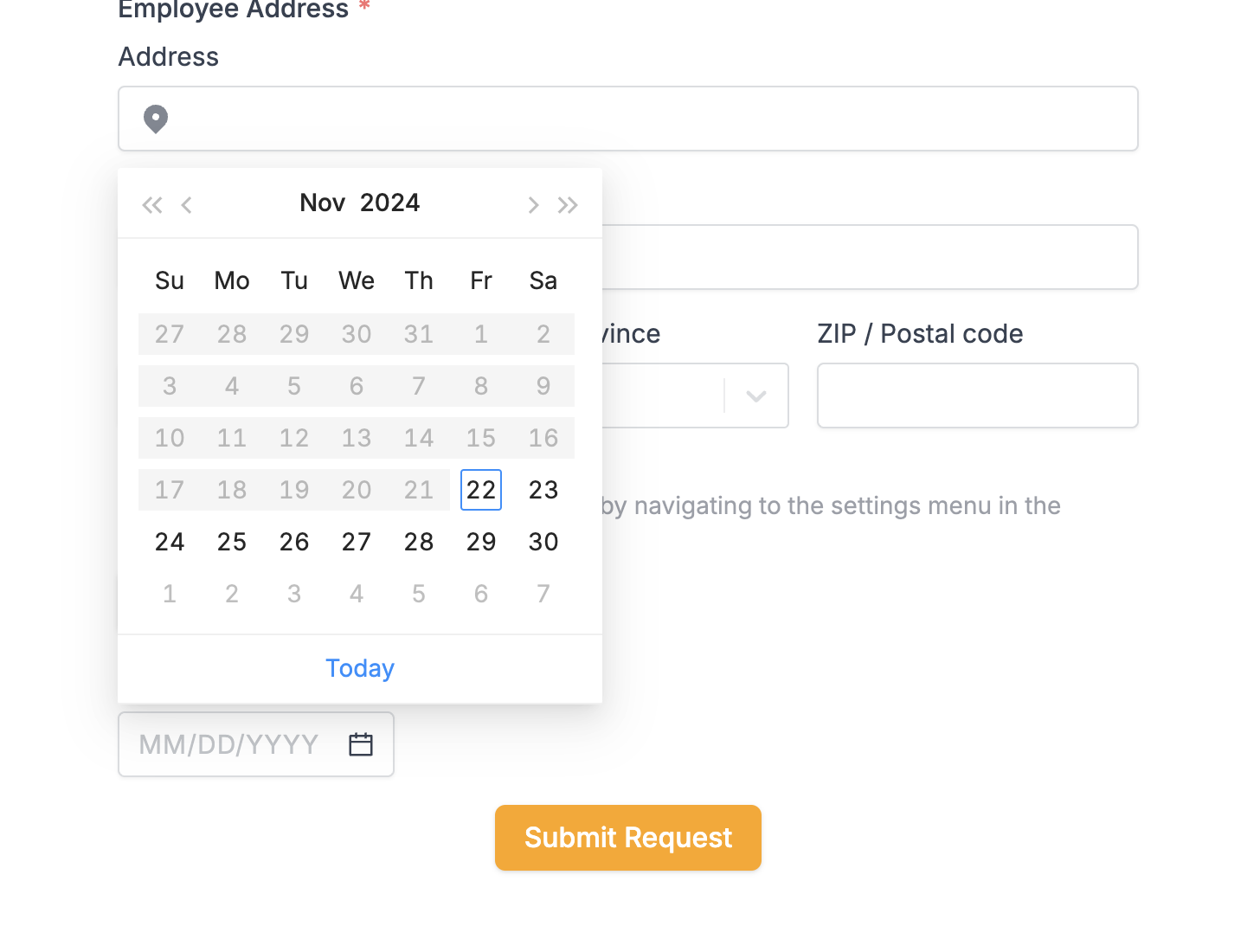
New Feature: Delay Shipping on a Return Request
Objective To delay the sending out of a return shipment to a future date without notifying the employee until the chosen date. Add a Delay Fill out all necessary information for the return shipment as usual. Enter the final destination address.
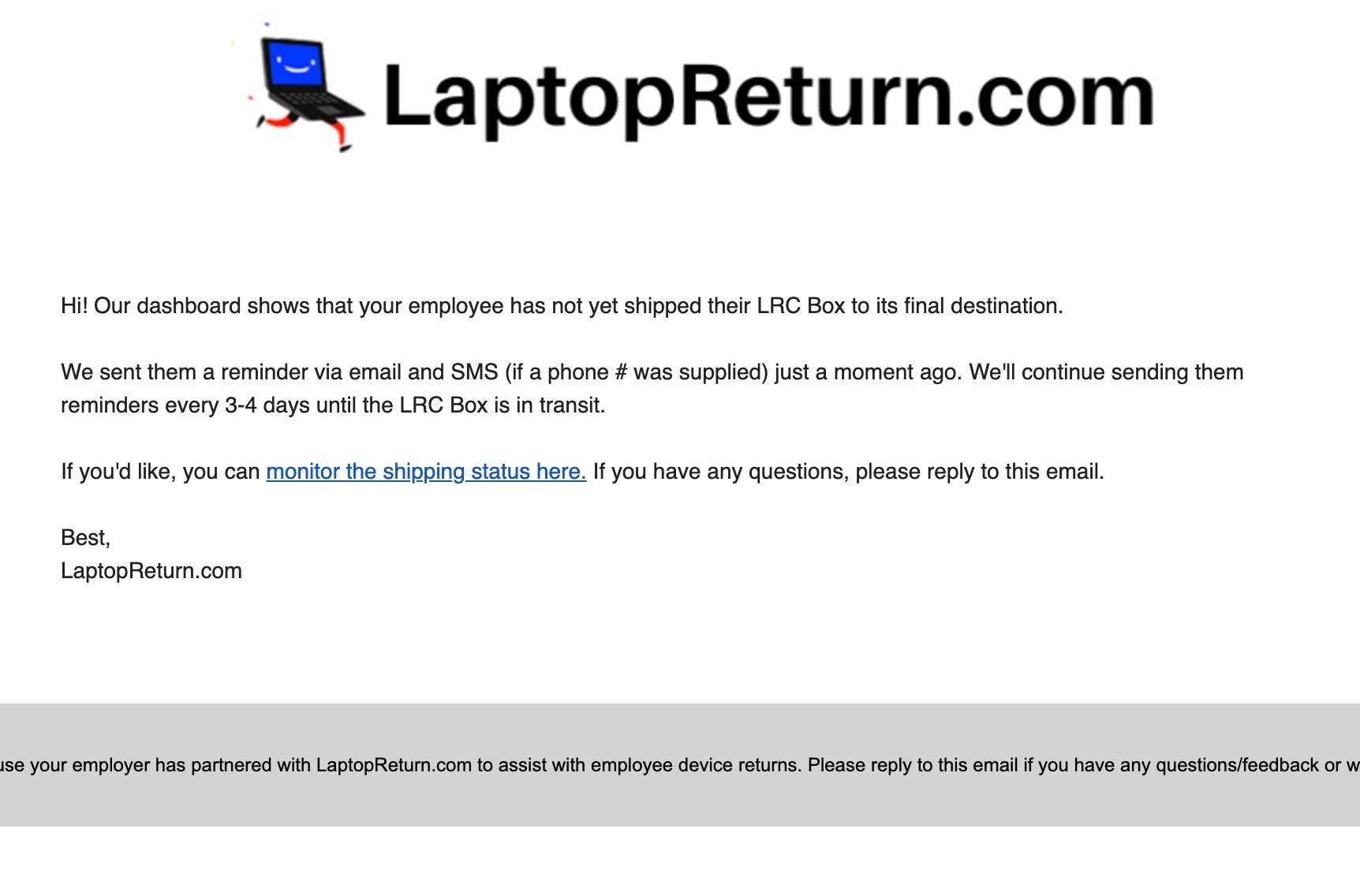
Turn off Employee Reminder Notifications
If you’re a high volume partner of ours you’re likely getting quite a few emails from us with updates about your return reqeusts.

How to Cancel a Pending Return Request (LaptopReturn+)
You can cancel a pending laptop return request before it ships out. Step 1: Log in to your portal. After logging in, look for the “Cancel Order” button when the status is pending. Simply click on the “Cancel Order” button that appears.
New Feature: Monthly Reporting (LaptopReturn+)
Seems like our clients on LaptopReturn+ want monthly reports to share with internal teams or for data crunching. We

How To Request A New Return Postage Label (LaptopReturn+)
There are no more worries about expired postage labels. If an employee misses a deadline to mail back a laptop, don’t worry. Instead of digging through emails, you can visit the LaptopReturn.com portal, find the order, and click “request new label.” It’s that simple!
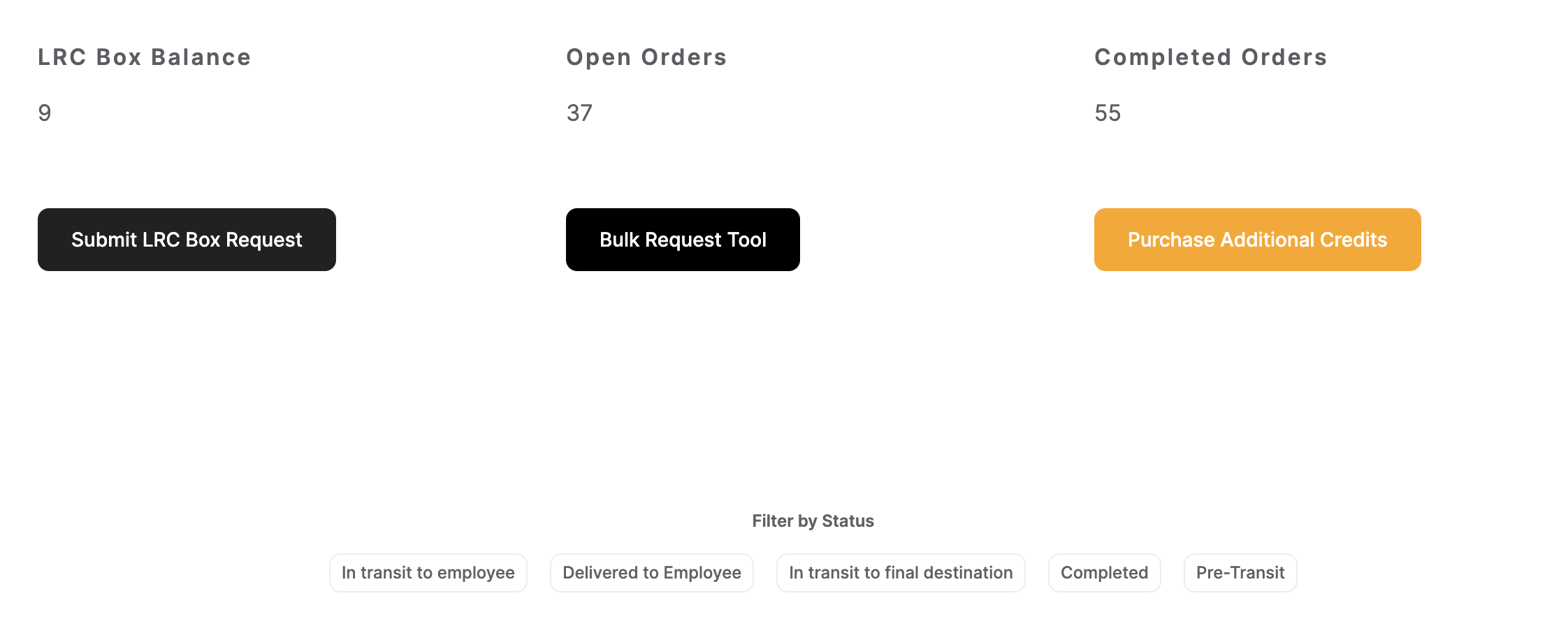
How to use the Bulk Request Tool (LaptopReturn+)
Upon logging into your LaptopReturn+ Portal you may notice a new button labeled “Bulk Request Tool.” Many of our clients need to submit multiple Laptop Return Requests in a row, we wanted to make this process easier and introduced the Bulk Request Tool to save you some time when submitting new

Cost Comparison: Managing Device Returns Internally vs. LaptopReturn.com
Managing Internally: Laptop Shipping Box: $27.95 from Staples Shipping Label to Employee: $9 - $12 Return Label: $22 - $25 Lithium-Ion Battery Sticker: $0.50 Strip of Tape to seal box: $0.50 Employee to prepare/ship/remind employee: $40 / hour Total Cost: $105.95 Optional

The Imperative of a Remote Employee Laptop Return Policy and How to Create Your Own
As the workplace becomes increasingly digitized and remote, businesses must adapt their policies and procedures to match this evolution. One crucial aspect often overlooked is retrieving company assets, specifically laptops, provided to employees working from their homes.
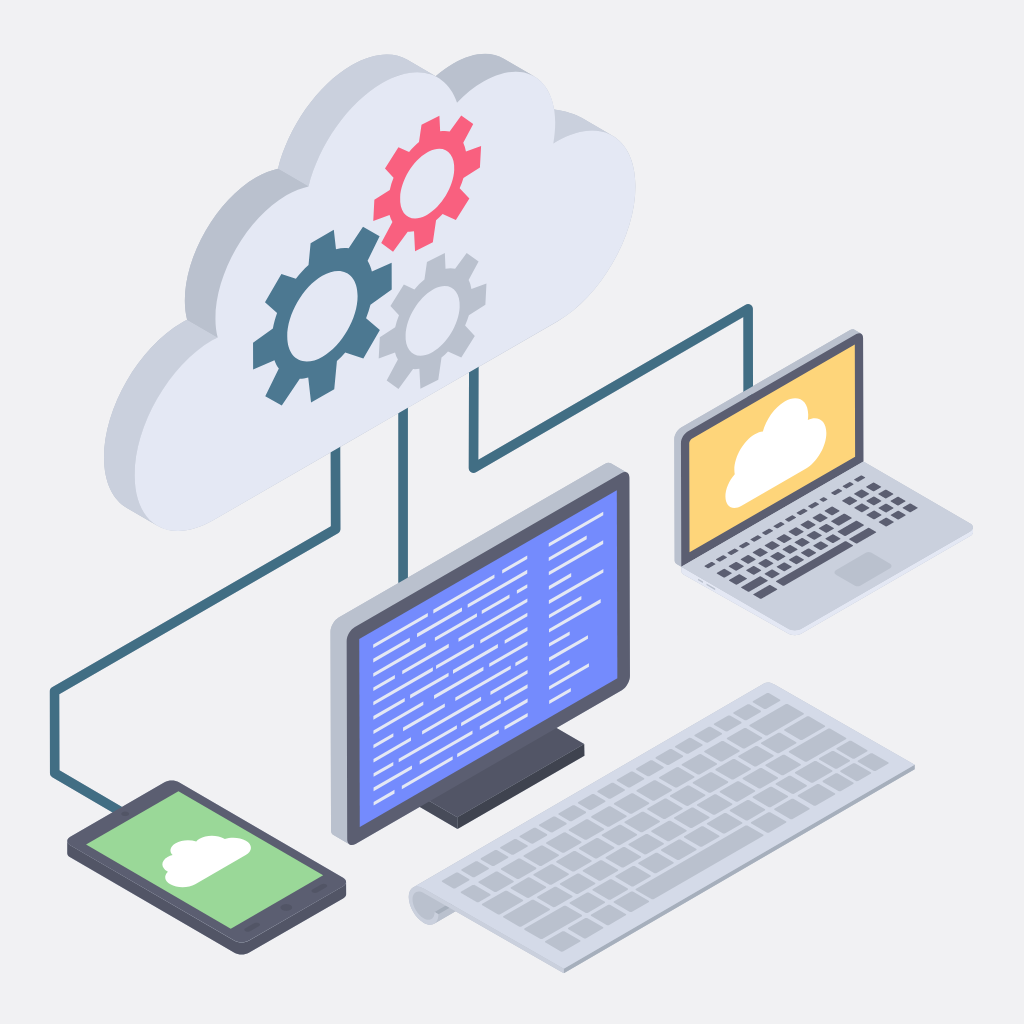
Remote IT Device Management: Ensuring Secure Devices for Remote Employees
As remote work becomes increasingly common, managing IT devices for remote employees is becoming more important than ever. One of the key challenges for IT managers is ensuring that remote employees are using secure devices that are compliant with company policies and regulations.
Strategies for Balancing Employee Privacy and Data Security When Managing Remote Devices
As more and more companies embrace remote work, managing employee devices has become a critical issue. On the one hand, companies need to protect their data and systems from cyber threats.

What to Do When a Former Remote Employee Doesn't Return Their Work Laptop
As more companies transition to remote work, providing laptops to employees has become a common practice. However, employees may not always return their work laptop when they leave the organization.

The Pros and Cons of Bring Your Own Device (BYOD) Policy for Remote Teams
As remote work continues becoming more common, companies are grappling with managing their employees' devices. One solution that many organizations have adopted is the Bring Your Own Device (BYOD) policy.

Overcoming the Challenges of Remote Device Returns: Best Practices and Solutions
In today's era of remote work, companies have had to adjust to new ways of managing employee devices. One of the most significant challenges of remote work is managing device returns. Remote device returns can pose various challenges that companies must be prepared to handle.

Should you monitor what your remote employees do on their laptops?
The pandemic has forced many businesses to shift to remote work, which has its own set of advantages and disadvantages. One of the main challenges for managers is to monitor the productivity and performance of their remote employees.

How to Properly Recycle a Laptop After It Has Been Returned by an Employee
When an employee returns their laptop after leaving a company, it is important to properly recycle the device. Not only is this environmentally responsible, but it also helps protect your business from potential data breaches and other risks.

How to Handle Damage to Company Laptops
No company wants to have to deal with the headache of an employee damaging their work laptop. Whether it’s a cracked screen or water damage, having your company’s technology destroyed can be costly and time-consuming.

Don't Let It ‘Walk’ Away: Dealing with Unreturned Company Equipment
As an IT leader or HR manager, you know the feeling. You've given a departing employee their final paycheck, made sure they have all the documents they need to move on, and said your goodbyes...only to realize that they have left with company equipment. Whether it's a laptop, tablet, smartphone, or something else entirely—you're now in a position of trying to track it down and get it back. But how do you go about doing this?

Streamlining Your Remote Employee Device Return Process: It's Easier Than You Think!
If your organization is like many, chances are you've had to transition to a fully remote workforce in the past year or so. While the shift may have initially caught you off guard, it likely also came with a new set of challenges—namely, how do you manage and track all of those employee devices? Don't worry, streamlining your device return process is easier than you think. Let's take a look at some ways to make sure that your organization's devices make it back into the office safe and sound.

Understanding Toxic Productivity and How to Prevent it in the Workplace
Toxic productivity is an epidemic that plagues most offices. It’s when employees are expected to do more with less and take on an unsustainable workload. In addition to a decrease in morale, this can lead to burnout, fatigue, and long-term health issues. So how do managers prevent toxic productivity from taking over their office? Let’s explore what toxic productivity is and how managers can create a healthier work environment for their employees.

How to Apologize for a Mistake Remotely
We all make mistakes, and no one is immune from the occasional slip-up. However, it can be more challenging to apologize for a mistake when dealing with remote teams and working remotely in general. Here are some tips for apologizing for a mistake remotely.

How to Have a Great Day While Working from Home
Working from home offers many benefits and advantages, but it also provides unique challenges. To ensure you have a good day while working remotely, here are some tips to help you stay productive, motivated, and inspired.
How To Improve Cybersecurity For Remote and Hybrid Teams
With remote and hybrid teams, there is a greater risk of cyberattacks due to the lack of physical security structures. Fortunately, there are steps you can take to improve your team’s cybersecurity posture.

How to Improve Remote Employee Accountability
With more businesses adopting remote working, it’s important to consider how to ensure employee accountability. Here are some strategies that can help companies manage their remote workforce and ensure they remain productive and engaged.